Two people sign up for your SaaS on the same Monday. Same job title, same company size, same country.
One connects an integration within the hour, invites three teammates, and comes back every day. The other clicks around for four minutes and never returns.
Your CRM says they are the same customer. Their behavior says they are not even close.
That gap is the reason behavioral user segmentation exists. Who someone is tells you who might buy.
What someone does tells you who is getting value, who is about to churn, and who is ready to upgrade.
What Is Behavioral User Segmentation?
Behavioral user segmentation means sorting users into groups based on what they actually do on your website or in your app. Membership updates as behavior changes, so a user can move from “new” to “activated” to “power user” without anyone touching a spreadsheet.
The signals you segment on usually fall into six buckets:
- Key actions (events): show whether users reached value. Example: created a first project, connected Stripe.
- Feature usage: shows which parts of the product people rely on. Example: uses Reports weekly, never opened Automations.
- Frequency: shows how much of a habit the product is. Example: active 5 of the last 7 days.
- Recency: shows whether engagement is fading. Example: last core action 21 days ago.
- Journey and funnel progress: shows where users stall. Example: finished signup, skipped onboarding step 3.
- Acquisition source: shows which channels bring good-fit users. Example: arrived from a ChatGPT answer vs. a Google ad.
Acquisition source is about where users came from, but it is captured from the visit itself rather than from a form, so most product teams treat it as a behavioral dimension.
New to tracking actions? Start with our plain-English guide to event tracking.
Why Behavior Beats Identity in SaaS
In a subscription business, revenue depends on what users do after signup.
Recent research shows why behavior deserves to be your main segmentation lens.
- Week-one behavior predicts long-term retention: Amplitude’s Product Benchmark Report, based on more than 2,600 companies, found that 69% of top day-7 performers were also top performers at three months. Getting just 7% of a new cohort to return on day 7 was enough to put a product in the top 25% for activation.
- Most new users disappear fast: The same analysis found that for half of all products, more than 98% of new users were no longer active at the two-week mark. Your “signed up but not activated” segment is not a niche group. It is usually your biggest one.
- Relevance drives buying, and most brands fall short: Twilio’s State of Customer Engagement Report (7,640 consumers and 637 business leaders in 18 countries) found that 88% of consumers are more likely to buy when engagement is personalized in real time. Only 44% of brands say they deliver at that level, and 71% of consumers will walk away from a purchase when the experience doesn’t feel relevant.
- Core features go unused: Userpilot’s product metrics benchmark puts the average core feature adoption rate for SaaS at 24.5%. Without behavioral segments, you can’t see which users are missing the feature that makes people stay.
There is a privacy upside too. Twilio’s research found that only 15% of consumers “absolutely” trust brands with their data.
Behavioral segmentation runs on first-party product events, not on bought demographic profiles, so you can learn a lot about how people use your product while collecting very little about who they are.
The practical lesson: the decisions that move retention (fixing onboarding, nudging feature adoption, catching churn early) are all behavioral. Your segments should be too.
7 Product Usage Segments Every SaaS Should Track
You don’t need 40 segments. Most SaaS teams get the bulk of the value from these seven.
Swap in your own events and time windows.
New, not activated
- Signed up in the last 14 days, hasn’t completed the activation event
- Find the drop-off step, simplify setup, send help
Activated
- Completed the activation event at least once
- Guide them to the second key feature
Power users
- Does the core action on most active days and uses several features
- Interview them, ask for reviews, recruit beta testers
Feature non-adopters
- Active, but never used a key feature
- Send a targeted in-app tip or email about that one feature
Fading users
- Was active weekly, no core action in 14+ days
- Personal check-in, ask what changed, offer help
Dormant users
- No activity in 30+ days
- Run a win-back campaign, or exclude them from engagement metrics
Expansion-ready
- Hitting plan limits, adding teammates, visiting pricing
- Show an upgrade prompt or start a sales conversation
A few notes on getting these right:
- Define “active” by value, not logins: A login with no core action is not engagement. Our user activation guide shows how to pick the right event, and onboarding drop-off analytics shows where segment 1 gets stuck.
- Power users need a product-specific definition. Here is a full walkthrough on how to identify power users in your SaaS.
- Feature non-adopters are where feature adoption rate work starts.
- Fading and dormant users are your early churn warning. See SaaS churn analytics with behavioral data, then turn those signals into a customer health score.
- Expansion-ready users on free plans are usually your product-qualified leads (PQLs).
Add one acquisition-based segment on top: users grouped by referrer or campaign.
It shows which channels bring people who actually activate, which is the backbone of proving marketing ROI in SaaS.
How to Segment Users by Behavior in 6 Steps
Here is a simple user segmentation process for SaaS that works whether you have 200 users or 200,000.
- Start with one business question: “Why don’t trials convert?” or “Who is about to churn?” A segment without a question turns into a dashboard nobody opens.
- Define your value moment: Pick the one action that shows a user got what they came for, such as “sent first invoice” or “published first page.” This becomes your activation event and the anchor for most segments.
- Track 5 to 10 meaningful events: Signup, the activation event, two or three core feature events, teammate invited, plan limit reached, upgraded. Use clear names like ProjectCreated, not btn_click_47, and attach the properties you will filter on, such as project type.
- Identify logged-in users and add a few attributes: Connect anonymous visits to the account after login, then attach a small set of attributes like plan, role, or company size. These are the demographic filters you layer on top of behavior.
- Build each segment from combined conditions: Behavior + attribute + time window. For example: fired ReportExported AND plan is Free AND active in the last 30 days. Save the definition so the whole team uses the same one.
- Compare segments against outcomes, then act: Check conversion, retention, or upgrade rates per segment. If a segment doesn’t behave differently from the rest, merge it or drop it. Review definitions monthly as your product changes.
Quick test: open five individual users inside a segment and read their journeys. If they don’t match the label, the definition is wrong. If you need help choosing the right metric to anchor everything, our North Star Metric guide is a good next read.
How to Build Behavioral Segments in Vemetric
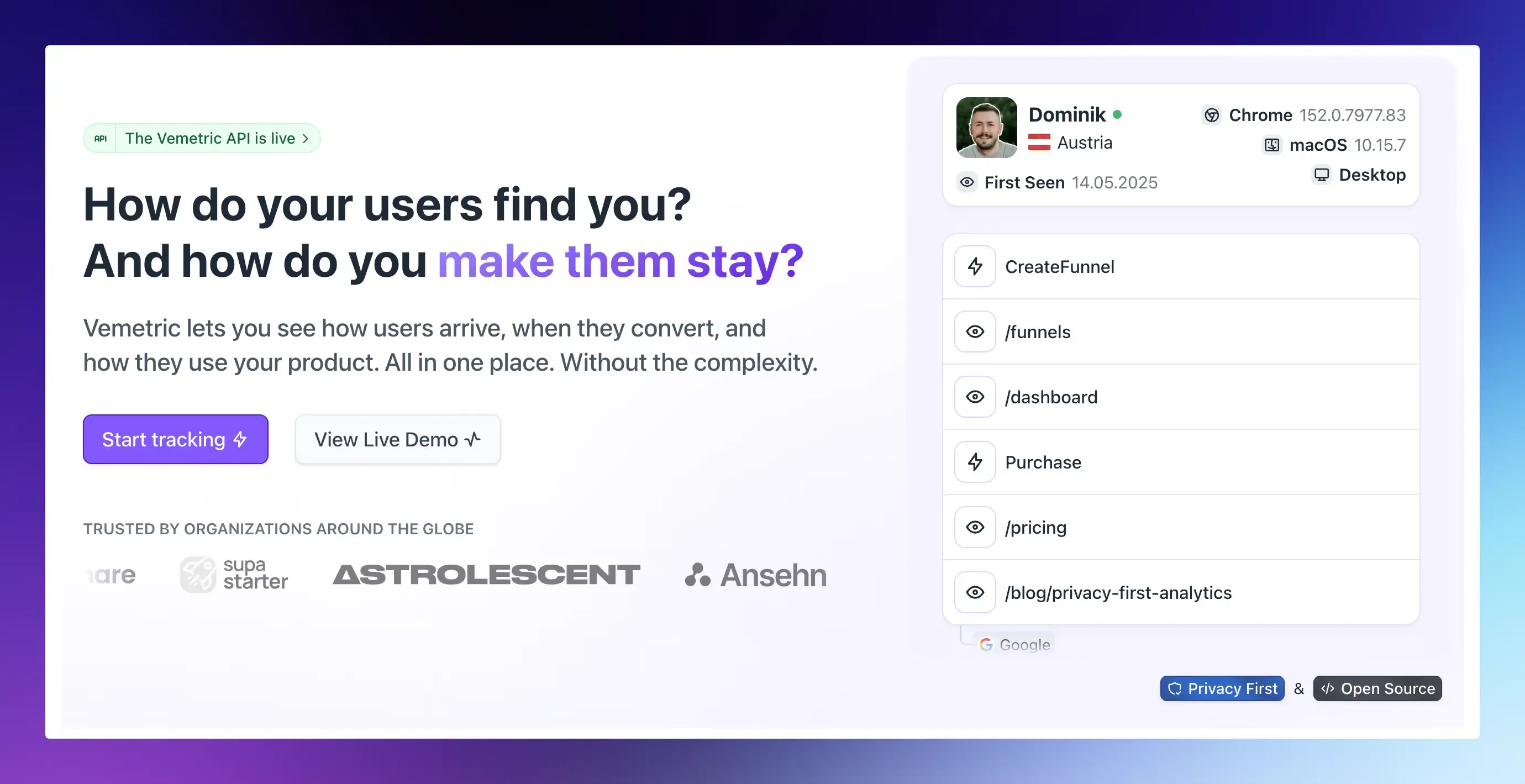
Most teams don’t fail at segmentation because the idea is hard. They fail because the tool is.
Many larger platforms put segments behind complex setups or paid tiers, while simple traffic tools can’t see individual users at all.
Vemetric sits in the middle: privacy-first web and product analytics in one place, without the complexity.
Today you build behavioral segments with combined filters and saved filters, which covers every segment in this guide.
Here is the workflow:
- Track your key events: Pageviews and outbound clicks are captured automatically. Add custom events like ProjectCreated from the frontend, or from your backend with the Node.js, PHP, Python, or Go SDKs. Attach event data you want to filter by later.
- Identify users after login: Call identify with your user ID. Vemetric merges the user’s earlier anonymous activity into their profile, so you keep the full path from first visit to signup.
- Add attributes for filtering: Pass plan, role, or company size with identify, or update them later with updateUser (set, setOnce, unset).
- Combine filters into a segment: On the Users page, filter for users who fired a specific event, then add more conditions such as device type, country, referrer (including AI assistants like ChatGPT), UTM campaign, or a custom attribute. You can also filter for users who completed a funnel or a single funnel step.
- Save it: Saved filters can be reapplied across the Dashboard, Users, Events, and Funnels pages, so “Activated free users” means the same thing everywhere.
- See how each segment converts: Apply the saved filter to a funnel (up to 10 steps, with a 7-day conversion window) to see where that group drops off.
- Open the people behind the numbers: Every user has a journey timeline with sessions, first-seen page and referrer, attributes, an activity heatmap, and funnel progress. The Users list also shows each user’s activity over the last 7 days, and sorting by a specific event counts only that event, which makes power users and fading users easy to spot.
Need a segment somewhere else? The REST API’s List users endpoint returns users with filters, sorting, and a date range, so you can pass a segment to your own tools.
FAQs
Start with three to five tied to one business question, such as “new but not activated,” “activated,” and “fading.” Add more only when a new segment would get a different action. Most teams end up with fewer than ten segments that people actually use.
Yes. Behavioral segments are built from first-party events your product sends, so they don’t depend on third-party cookies. For behavior across days or devices, identify users when they log in. Tools like Vemetric work cookieless by default and offer cookies as an opt-in once you have consent.