You had an idea on Friday night. By Sunday, you had a live SaaS with a landing page, a signup flow, and a working dashboard, all built by describing what you wanted to an AI. No boilerplate, no config, no weeks of setup. You posted it on X, dropped it in a few communities, and went to sleep proud.
Now it’s been two weeks. The link is still live. And you have no idea what’s happening on the other side.
Did anyone sign up? Did they get stuck on step two of onboarding? Did they open the app once and never come back, or are people quietly using it every day without telling you? You genuinely cannot say. You built a full product without building a single way to see inside it.
The Vibe Coding Boom Nobody’s Auditing
This isn’t a niche problem. It’s the default state of thousands of products shipped every single day.
AI-assisted and AI-generated coding has gone from a curiosity to the standard way early-stage products get built:
- 84% of developers now use or plan to use AI tools in their workflow, up from 76% the year before, according to Stack Overflow’s Developer Survey. Over half of professional developers use AI tools daily.
- Lovable alone has been used to build over 50 million projects and now sees a million new ones created every week, on its way past $500 million in annualized revenue, according to TechCrunch’s June report.
Millions of working products are being shipped by people who never had to think about a backend, a database schema, or a deployment pipeline.
That’s the upside of vibe coding, and it’s real.
But every one of these builders skips one piece without realizing it: instrumentation.
No AI prompt says “and also wire up analytics so I can see what happens after launch,” so none of these tools do it for you.
The Vibe Coding No-Analytics Problem, Explained
When a developer builds a SaaS the traditional way, tracking tends to get bolted on somewhere along the way, often because a past project taught them the hard way that they needed it.
Vibe coding removes that friction and, with it, the habit.
Here’s what typically happens when you prompt an AI builder to “create a SaaS app with signup and a dashboard”:
- It generates the frontend components, the auth flow, and often a database.
- It doesn’t generate any code that tells you a signup happened, a dashboard was viewed, or a specific feature was clicked.
- It ships fast enough that you go straight from idea to live URL without a step in between where you’d normally ask, “how will I know if this works?”
The result is a fully functional product that, from a data standpoint, is a black box.
You can see your own Stripe account and your own server logs, and that’s about it.
You cannot see:
- Where your actual signups are coming from
- What percentage of visitors even try to sign up
- Whether new users complete the action that makes your product valuable
- Which features get used and which are ignored
- Where people quietly stop coming back
This is the vibe coding no-analytics problem in a sentence: you can ship a product faster than ever, but by default, you can’t see what happens to it after launch.
7 Signs You’re Building Your SaaS in the Dark
If any of these sound familiar, you’re not alone, and it’s fixable in an afternoon, not a rebuild.
- You refresh your Stripe dashboard more than your product, because it’s the only number you trust.
- You can’t say how many people signed up this week without manually checking your database.
- You have no idea which of your onboarding steps people actually finish.
- You don’t know if the feature you spent last weekend building is being used at all.
- You can’t tell a user who churned from a user who never activated in the first place.
- You’ve asked “how’s the launch going?” and answered with a vibe instead of a number.
- Your only source of feedback is DMs from the three friends who tried it.
How to Know If Your App Is Being Used: What to Actually Track
You don’t need an enterprise analytics stack for a solo project. You need answers to five questions, and a way to get them without a data team.
Acquisition
Where are people actually coming from? Product Hunt, a tweet, Google, a Reddit thread? Web analytics on your marketing pages tells you which channel is worth doubling down on and which one is a waste of your time.
Activation
Did the new signup do the one thing that makes your product valuable? This is the single most important metric a vibe-coded MVP can track, because it separates “people are interested” from “people got value.” Our guide on what user activation actually is and how it predicts retention breaks down how to define this for your own product.
Engagement and feature usage
Once someone’s in, what do they touch? If you shipped three features last weekend and one of them is getting zero clicks, that’s data you need before you build a fourth. See our breakdown of feature adoption rate and how to improve it.
Retention
Are the people who signed up in week one still around in week three? This is where you find out if you have a real product or a one-time novelty. Cohort analysis is the standard way to see this clearly instead of guessing from a shrinking user count.
Drop-off points
Where exactly do people drop off in your signup or onboarding flow? A funnel view turns “people aren’t converting” into “78% of people quit on the email verification step,” which is a problem you can actually fix in an hour.
If you want the full framework that ties acquisition, activation, retention, revenue, and referrals together, our AARRR pirate metrics guide for SaaS is the most complete starting point.
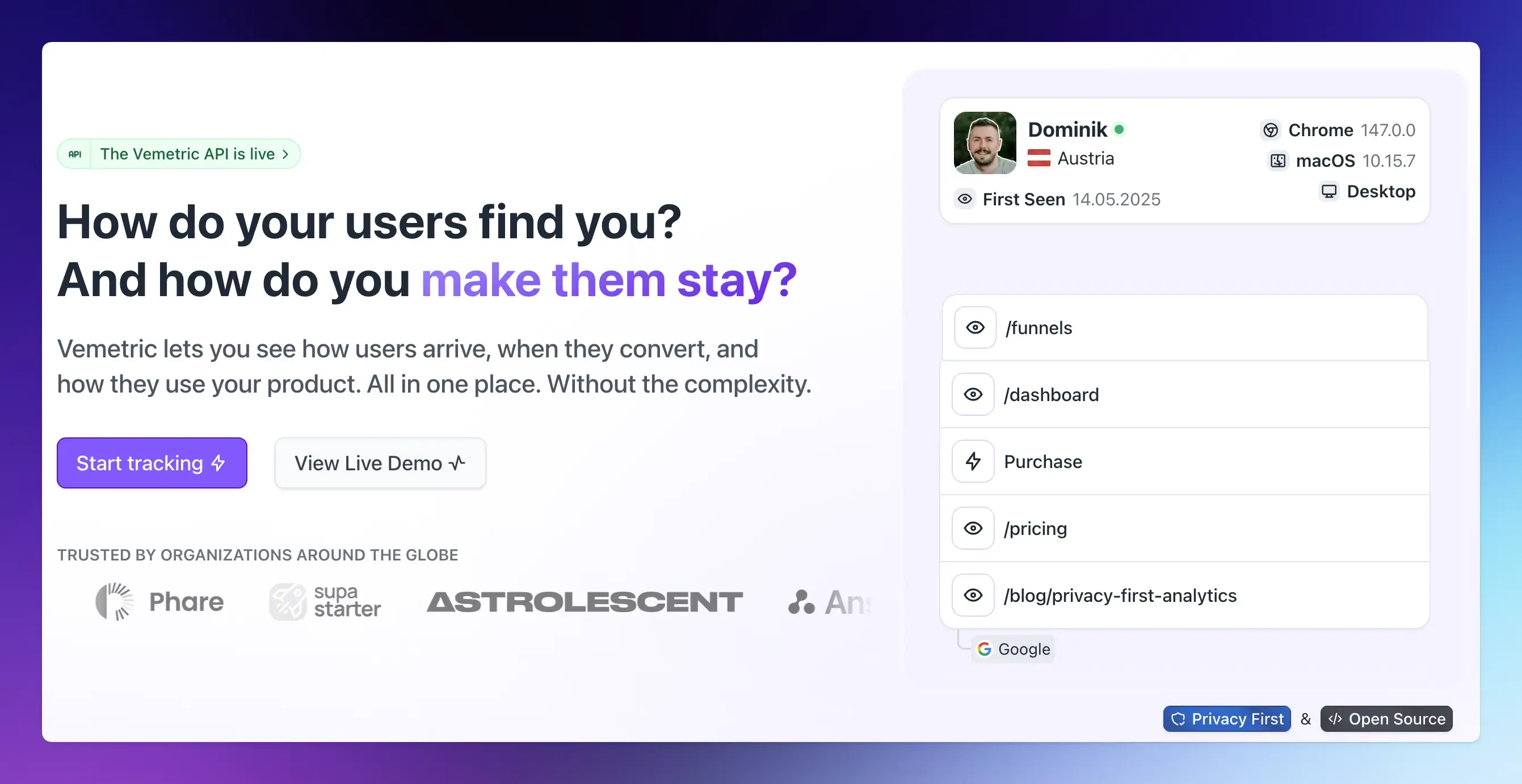
You don’t need five different tools to see all five. Vemetric tracks acquisition, activation, feature usage, retention, and funnels in one dashboard, so you’re not stitching together Google Analytics, Mixpanel, and a spreadsheet to answer questions your vibe-coded app should have answered from day one.
This is also exactly what founders search for under “indie hacker mvp analytics,” and the answer is consistent regardless of who’s asking: track fewer things, but track the ones that tell you whether your product is actually working.
Final Thoughts
Vibe coding solved the hardest part of starting a SaaS: getting from idea to working product in a weekend instead of a quarter.
It didn’t solve the second-hardest part: knowing whether that product should keep existing. That part still requires data, and by default, none of the popular AI builders give you any.
The good news is that closing this gap takes far less time than building the product did.
One script tag, one activation event, and you go from refreshing Stripe out of hope to reading a dashboard out of certainty.
You can start tracking your vibe-coded SaaS and, for the first time since you launched, see what’s actually happening on the other side of that link.
FAQs
No. Adding Vemetric is a copy-paste job: you add one script tag or one small component to the codebase your AI builder already generated, the same way you’d ask it to add any other feature. If you’re not comfortable editing the code directly, you can paste the snippet into your AI builder’s chat and ask it to add it for you.
Yes, as long as the analytics tool you use is built with privacy in mind. Vemetric doesn’t use cookies by default, doesn’t sell data, and hosts its servers in the EU so that most solo founders can add it without a cookie consent banner. See our full guide on GDPR-compliant product analytics for SaaS for details on what does and doesn’t require consent.