If your analytics numbers never quite match your billing system, you are not imagining things.
Somewhere between the browser and your dashboard, events are getting lost. Ad blockers catch them, browsers block the cookies that identify returning users, and privacy settings quietly strip out the rest.
This is exactly why server-side tracking has become a normal part of the SaaS analytics stack instead of a niche, enterprise-only setup.
This guide breaks down what it actually is, how it compares to client-side tracking, and how to tell if your product is at the point where you need it.
What Is Server-Side Tracking? (In Plain English)
Server-side tracking means your own backend, not the visitor’s browser, is the one sending the event to your analytics tool.
Instead of a script in someone’s browser firing a pixel when they click “Upgrade,” your server sends that event directly to your analytics platform the moment the upgrade is processed.
The event travels server to server, over an API call, so it never depends on:
- Whether the visitor’s browser executed your JavaScript
- Whether an ad blocker or tracking blocker let the request through
- Whether a cookie survived long enough to identify the user
For a SaaS product, this usually applies to things that already happen on your backend anyway: a signup completing, a trial starting, a subscription upgrading, an invoice getting paid, a webhook firing from Stripe. Your server already knows these things happened. Server-side tracking means you tell your analytics tool directly, instead of hoping the browser reports it for you.
Client-Side vs Server-Side Tracking: The Real Comparison
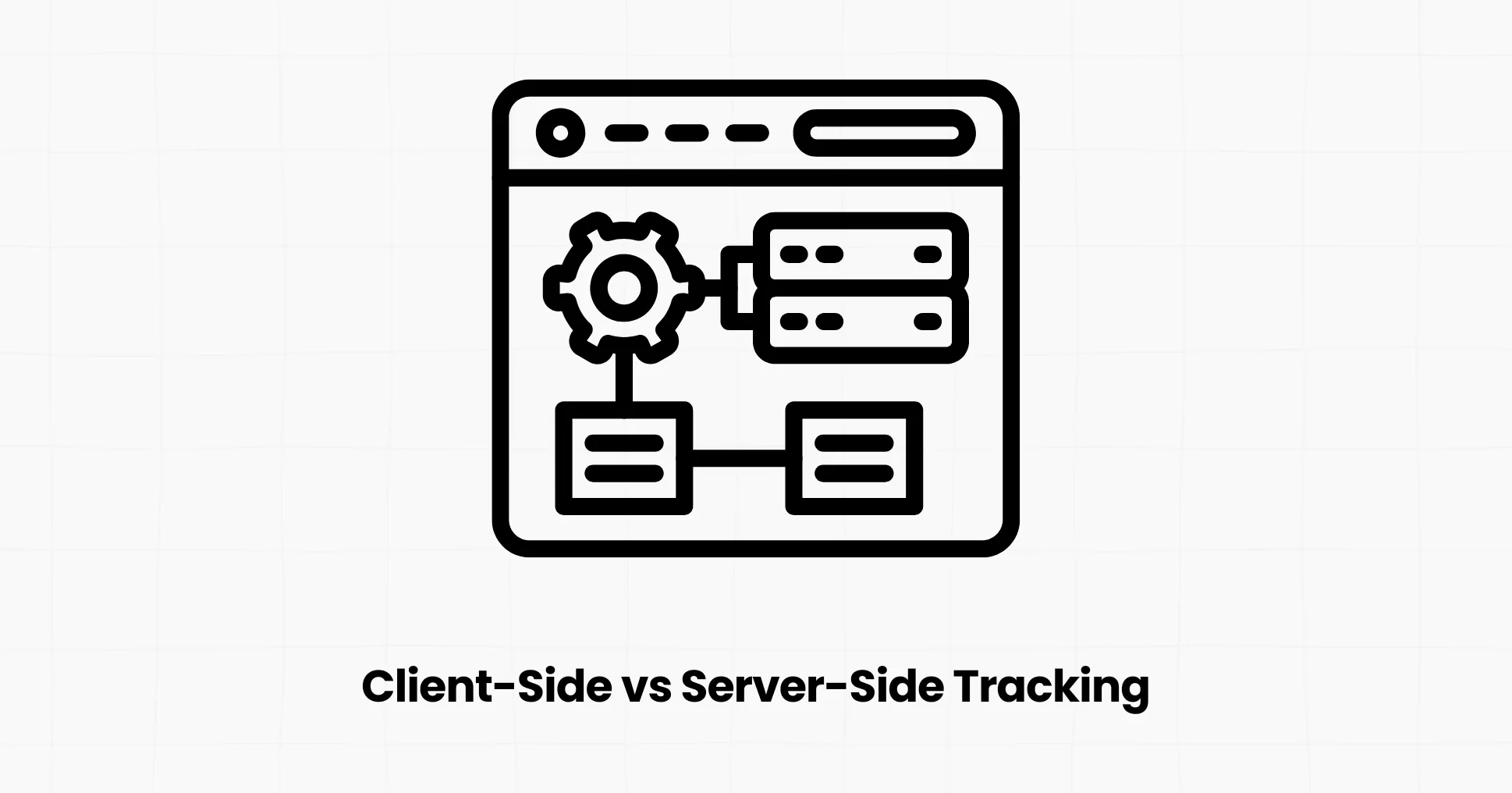
Most SaaS teams do not need to pick one over the other. They need to understand what each one is actually good at, so they know where to use each one.
Client-side tracking:
- Runs as JavaScript in the visitor’s browser
- Automatically captures page views, clicks, scrolls, and time on page
- Cheap and fast to set up, usually a single script tag
- Vulnerable to ad blockers, tracking-prevention features, and cookie limits
- Cannot see events that happen purely on your backend (a webhook, a cron job, a server-to-server payment confirmation)
Server-side tracking:
- Runs on your backend, not in the browser
- Captures events your server already knows about: purchases, signups, plan changes, API usage
- Not affected by ad blockers, since there is no browser script for a blocker to catch
- Cannot see UI-only behavior like scroll depth or which button someone hovered over
- Slightly more setup work, since you are writing a few lines of backend code instead of just dropping in a script
The two are not competitors.
Client-side tracking tells you how people move through your marketing site and app UI.
Server-side tracking tells you, with certainty, whether the things you actually care about (revenue, signups, activation) really happened. Most mature SaaS setups run both side by side, with the backend picking up exactly the events the browser cannot be trusted to report.
Server-Side Tracking Privacy Benefits
The privacy case for server-side tracking is often stronger than the accuracy case, especially for SaaS teams selling into regulated industries or privacy-conscious markets.
- Less reliance on cookies: Since the event comes from your server, you are not forced to plant a third-party cookie to identify a session.
- You control the data before it goes anywhere: Your backend can filter, mask, or strip sensitive fields before an event is ever forwarded to an analytics tool, instead of a script in the browser deciding that in real time.
- Simpler consent story: Fewer client-side trackers generally means a shorter, more honest cookie banner, which also tends to improve consent opt-in rates.
- Easier data residency compliance: If your analytics provider hosts data in a specific region (the EU, for example), routing events server-side gives you tighter control over exactly what leaves your infrastructure and where it lands.
- Smaller attack surface: Fewer third-party scripts running in your visitors’ browsers means fewer supply-chain risks from compromised tracking scripts.
None of this means client-side tracking is “unsafe.” It means server-side tracking gives privacy-conscious SaaS teams a cleaner architecture to build compliance on top of.
Choosing a First-Party Server Analytics Tool for Your SaaS
When you are shopping for a tool to handle this, look for four things: backend SDKs that actually match your stack, cookieless defaults so you are not adding compliance work, one dashboard instead of stitching together separate web and product analytics tools, and pricing that scales sensibly as you grow.
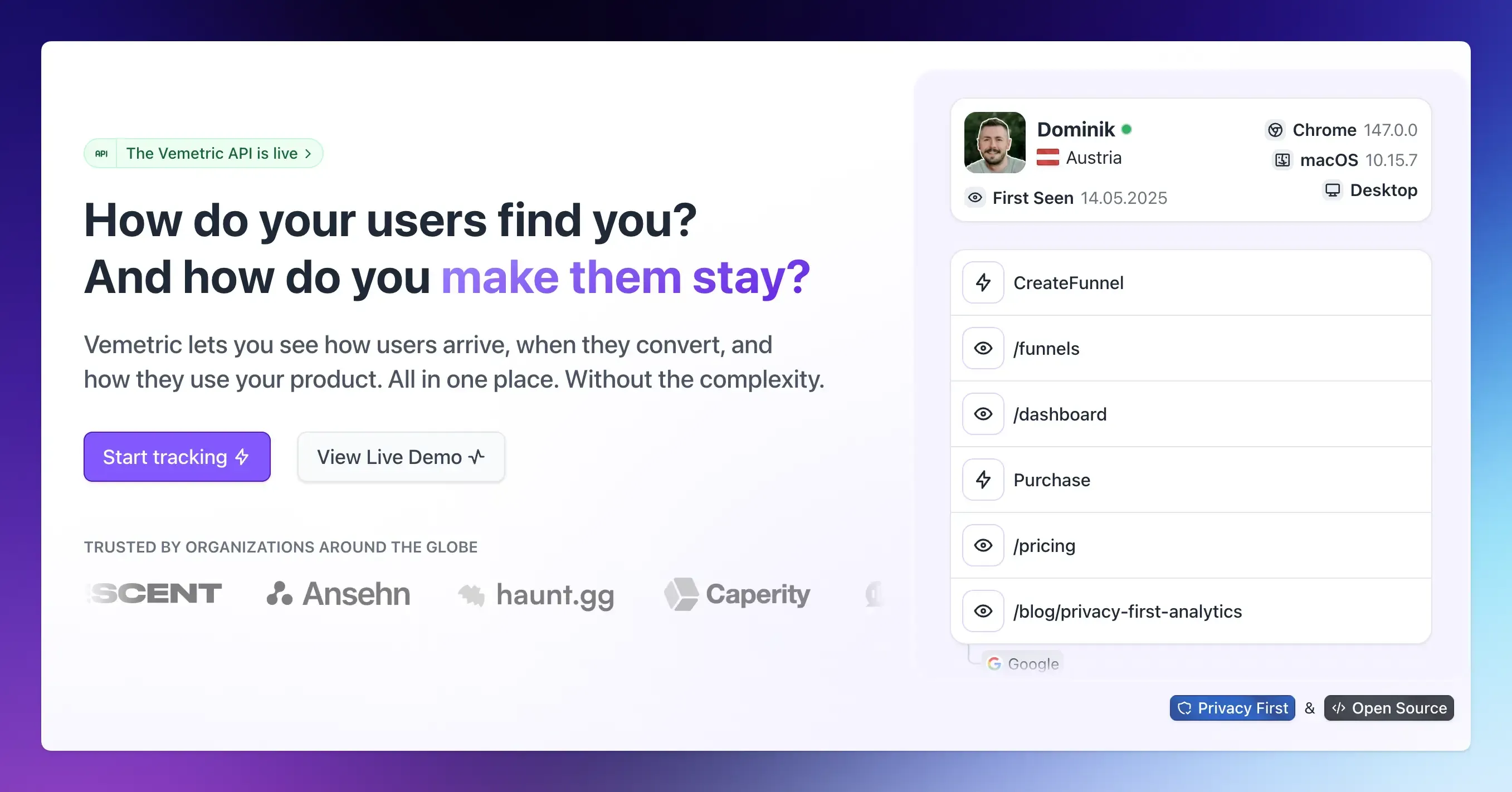
Vemetric is built around exactly this brief.
It combines web analytics and product analytics in a single dashboard, and it treats server-side tracking as a first-class citizen rather than an afterthought:
- Backend SDKs for Node.js, Bun, Deno, PHP, Python, and Go, so you can fire events like SubscriptionUpgraded or InvoicePaid directly from wherever your billing logic actually runs
- Frontend SDKs (JavaScript, React, Astro, or a plain HTML snippet) that handle page views and UI events automatically, so the two sides of your tracking work together instead of duplicating effort.
- Cookieless by default, using a daily-rotating anonymous hash instead of a tracking cookie, with cookies available as an opt-in only if you need them.
- EU-hosted infrastructure with GDPR compliance built in, which matters directly for the data residency point covered earlier
- Built-in proxy support (Cloudflare, Nginx, Vercel, or Next.js) to route tracking through your own domain and reduce ad-blocker data loss
- Open source under AGPLv3, so you can inspect exactly how your data is handled instead of taking a vendor’s word for it
- Real-time reporting, with events showing up in your dashboard within seconds, and full user-journey views that merge anonymous and identified activity
On pricing, the free plan covers 2,500+ events a month across two projects, which is enough to test a real implementation before committing.
The Professional plan starts at $5/month for 10,000+ events, with unlimited projects, unlimited seats, and five years of data retention. Checkout Vemetric’s pricing page.
If your team is already comparing client-side and server-side event counts and finding a gap, this is the kind of setup that closes it without requiring a full data engineering project.
Final Thoughts
Server-side tracking isn’t a replacement for client-side analytics, and it isn’t only for companies with a dedicated data team anymore.
It’s the practical fix for a specific, common problem: the events your business actually depends on (signups, upgrades, payments) happen on your server, so that’s where you should track them.
Start small. Pick the two or three events tied most directly to revenue, wire them up server-side alongside your existing client-side tracking, and compare the numbers for a few weeks.
The gap you find is exactly the blind spot you’ve been making decisions without.
FAQs
Yes, and it’s often simpler than expected. A backend SDK typically requires a few lines of code around the events you already handle, like a webhook from your payment provider. You don’t need a data engineering team to track two or three key revenue events server-side.
Server-side tracking can make GDPR compliance easier, since your backend controls exactly what data gets collected and sent before it leaves your infrastructure. It’s not automatically compliant on its own, though; you still need proper consent handling and a provider with clear data-hosting practices.
No. Server-side tracking sends events directly from your backend, so it doesn’t rely on a cookie in the visitor’s browser to work. Tools like Vemetric go a step further and skip client-side cookies too, using an anonymous, daily-rotating hash instead.