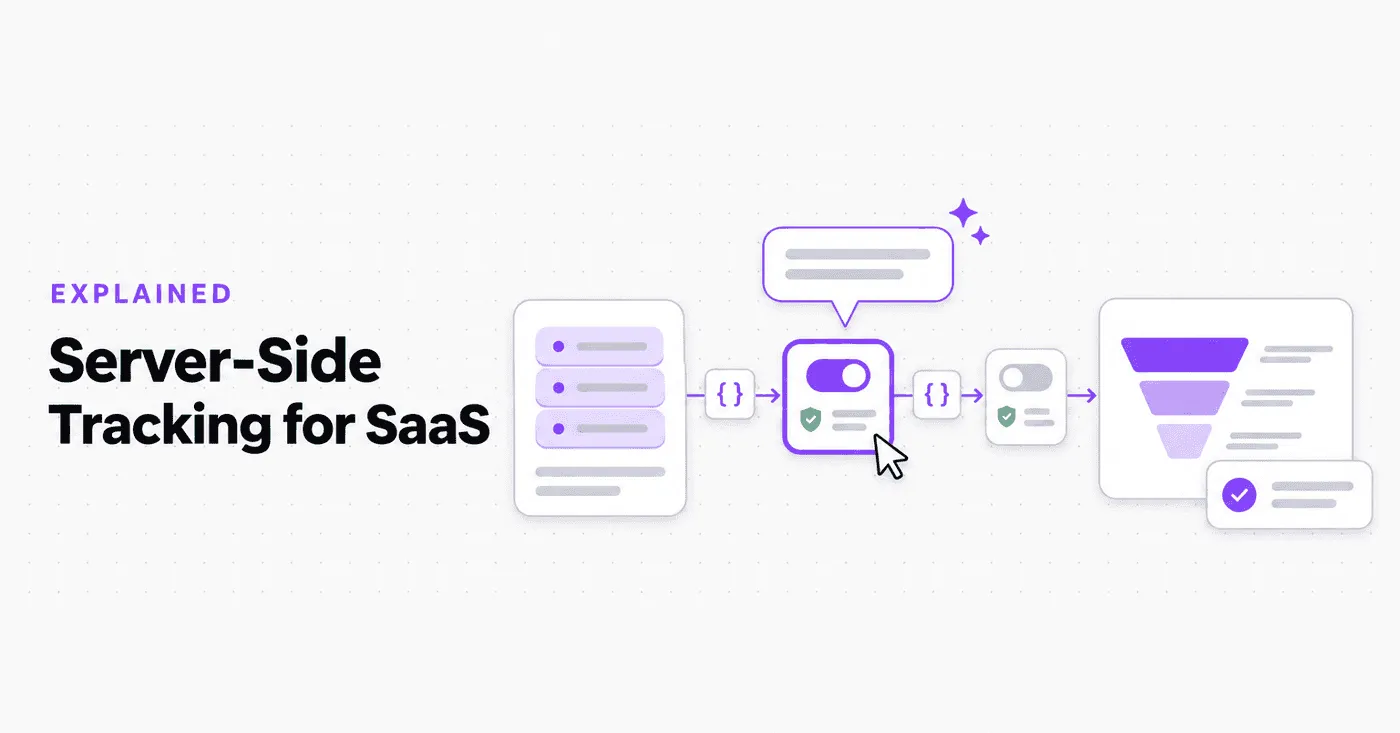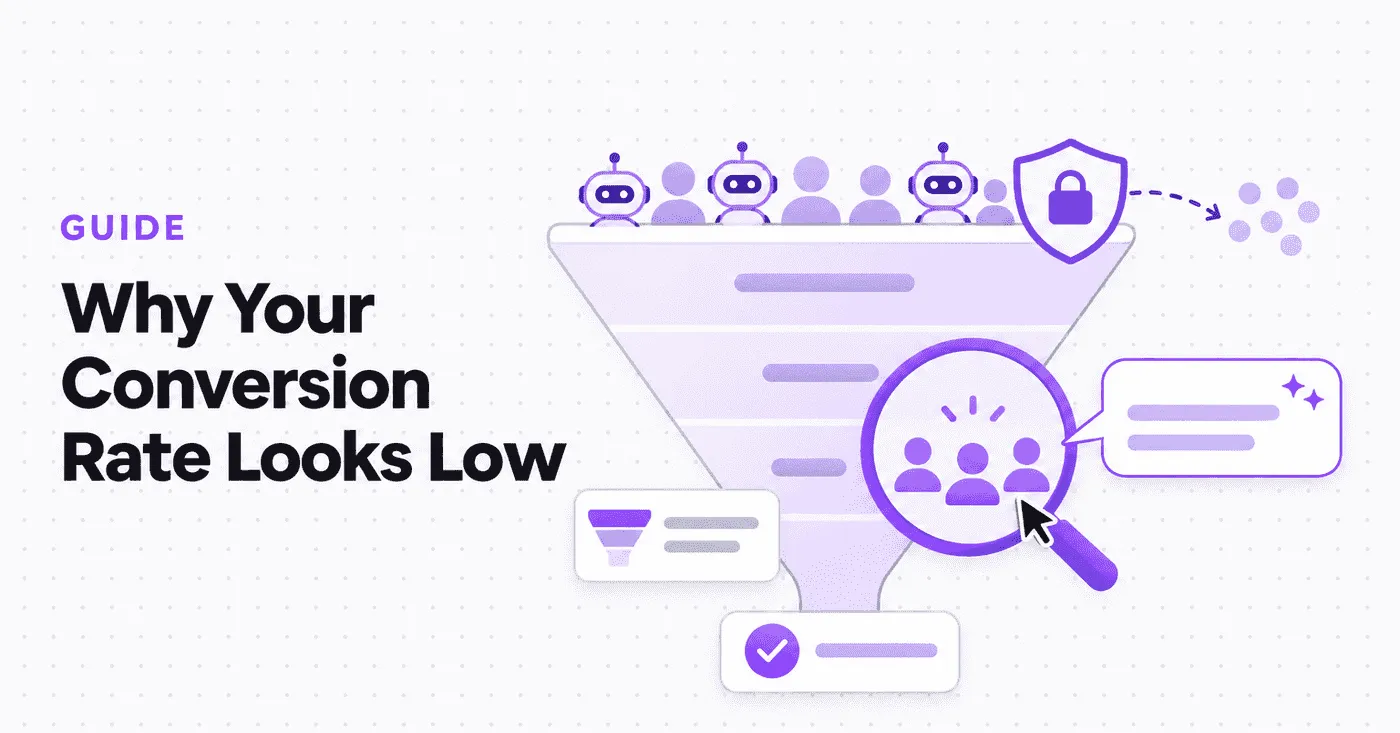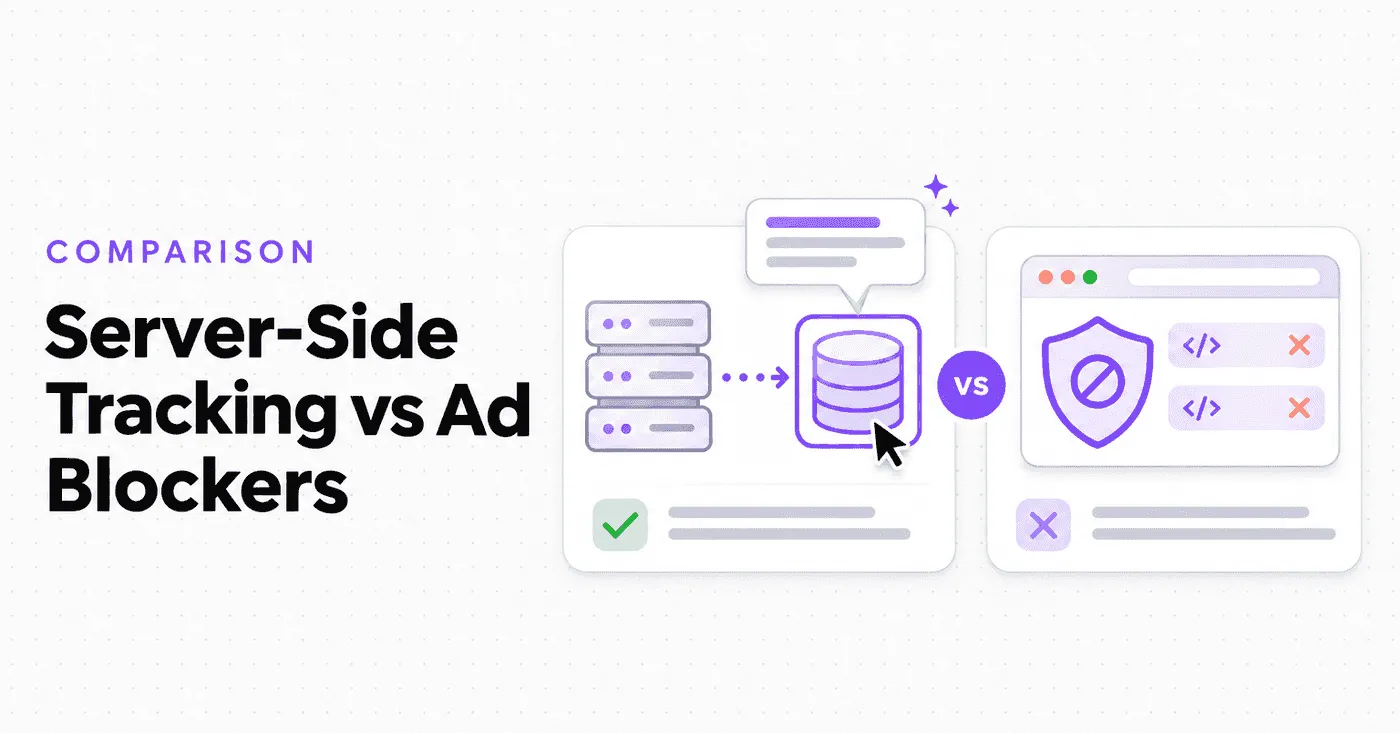
Your billing tool says 120 people started a paid plan this month. Your analytics dashboard says 84.
Nobody made a mistake. A large group of your visitors never showed up in your analytics because an ad blocker stopped the tracking script before it could send a single event.
This guide explains why that happens, why server-side tracking keeps working when browser scripts fail, and how to close the gap without crossing any privacy lines.
Why Ad Blockers Break Client-Side Analytics
Ad blocking is no longer a niche habit. According to eyeo’s 2026 Ad-Blocking Report:
- An estimated 1.1 billion people used an ad blocker in Q4 2025
- That is about 30% of the total internet population
- Mobile ad blocking grew 27% since 2023, reaching 629 million users
Blocking is also moving into the browser itself. Brave passed 100 million monthly active users, with ad and tracker blocking turned on by default.
Here is the part most teams miss: these tools don’t only block ads.
The eyeo report points out that modern blockers also stop analytics trackers. eMarketer lists this as a measurement gap marketers need to plan for in 2026.
What actually gets blocked
Most blockers work from filter lists. If a script or request matches a known pattern, it never loads. That usually hits:
- Analytics scripts loaded from a known vendor domain
- Requests sent to URLs containing words like “analytics”, “track,” or “collect”
- Marketing pixels and tag managers
- Cookies used to recognize returning visitors (Safari, for example, limits cookies set by JavaScript to 7 days)
Why this hurts SaaS teams more than you think
The people you lose are not random. eyeo’s data shows ad-block users skew younger and more educated.
They are also more willing to sign up: 73% of ad-block users say they would likely create an account or log in for written content, compared to 62% of non-users.
In plain words, the visitors missing from your dashboard are often the ones most likely to become customers.
That distorts:
- Conversion rates: signups look lower than they really are
- Channel attribution: good campaigns can look like failures
- Funnels: drop-off points look worse than reality
If you are trying to prove marketing ROI or benchmark your free trial to paid conversion rate, missing data quietly leads to wrong decisions.
Client-Side vs Server-Side Analytics: The Simple Difference
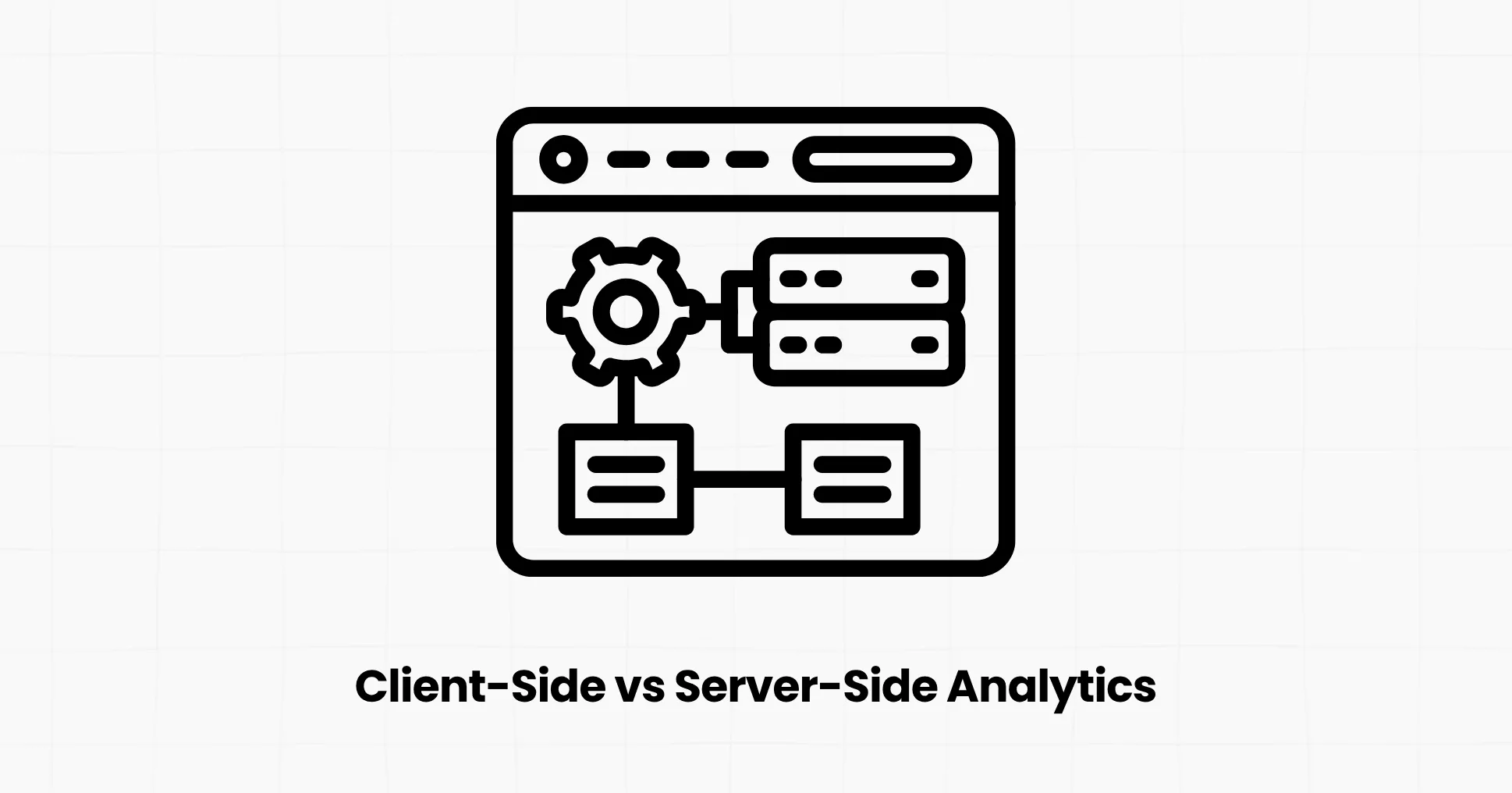
The difference comes down to one question: who delivers the message to your analytics tool, the visitor’s browser or your server?
Client-side analytics
- A JavaScript snippet runs in the visitor’s browser
- It records page views, clicks, and custom events
- Data travels from the browser to the analytics provider
- Quick to install and great for marketing pages
- Weak spot: the browser decides whether it runs, so ad blockers, privacy settings, and early tab closes can all stop it
Server-side analytics
- Your backend sends events through an SDK or API
- It records what your server already knows: signups, logins, payments, plan changes, API calls
- Data travels server to server and never touches the browser
- Needs a few lines of backend code
- Weak spot: it can’t see things that only happen in the UI, like scroll depth or which blog post someone read before signing up
The takeaway is simple. Client-side tells you how people browse. Server-side tells you what actually happened. Most growing SaaS products need both.
Want the basics first? Read our server-side tracking for SaaS breakdown, or start with what event tracking is if events are new to you.
Why Server-Side Tracking Is More Accurate
Server-side tracking survives because ad blockers live in the browser, and your server doesn’t.
Here is what that means in practice:
- Nothing to block: no script, no pixel, and no third-party request ever reaches the visitor’s browser
- No dependence on JavaScript: events still fire if the visitor closes the tab early, a script crashes or the browser runs strict privacy settings
- No cookie expiry problems: you identify people by your own user ID, not a cookie the browser may delete
- Matches your source of truth: the event fires at the same moment your database records the action, so analytics and billing finally agree
- More control over data quality: you decide exactly what gets sent, which makes it easier to skip test accounts and duplicate actions
What server-side tracking can’t do
It is not magic, and it helps to know the limits:
- It doesn’t see anonymous visitors on your marketing site unless you also run a frontend script
- It can’t capture UI-only behavior like hovers, scrolls, or rage clicks.
- Referrer and UTM data start in the browser, so you need to pass them to your backend if you want them attached to server events.
That is why the most accurate setups are hybrid: the browser covers discovery, and the server covers the events that pay the bills.
First-Party Tracking Explained
First-party tracking means your analytics data is collected through your own domain instead of a vendor’s domain.
- Third-party setup: yoursite.com loads a script from a vendor’s domain and sends data back there. Blockers recognize that domain instantly.
- First-party setup: the script and the data both flow through a subdomain like hub.yoursite.com. To the browser, it looks like part of your own site.
You set this up with a reverse proxy: a small rule on your server, CDN, or hosting platform that forwards requests from your subdomain to the analytics provider.
A few practical tips:
- Pick a neutral subdomain like “hub” or “data”, not “analytics” or “/track”. Vemetric’s proxy guide recommends exactly this, because obvious names still trigger blockers.
- Proxy both the script file and the endpoint that receives events.
- Stay cookieless if you can. No cookies means no expiring identifiers and a simpler consent setup. See our list of cookieless tracking solutions for options.
One honest caveat: a first-party proxy improves your odds, but it is not a guarantee. Some blockers use stricter rules or inspect scripts. Server-side events are the only part of your stack that sits fully outside a blocker’s reach.
Server-Side Event Tracking: What to Send From Your Backend
Start with the events closest to revenue. A good first list for most SaaS products:
- Account created
- Trial started
- Key activation action (first project created, first teammate, invited)
- Subscription started or upgraded
- Payment succeeded or failed
- Subscription cancelled
- Usage milestones, if you sell an API or usage-based plan
A few rules that keep your data clean:
- Use the same user ID everywhere: When frontend and backend share one ID, Vemetric merges anonymous and logged-in activity into one user journey.
- Don’t count the same action twice: Name events by intent, for example, “Clicked Upgrade” in the browser and “Subscription Started” on the server.
- Fire after success, not on request: Track the payment once it clears, not when the checkout form is submitted.
- Send context, not secrets: Plan, billing cycle, and source are useful. Passwords, card data, and sensitive personal details never belong in analytics.
How Vemetric Handles Ad Blockers
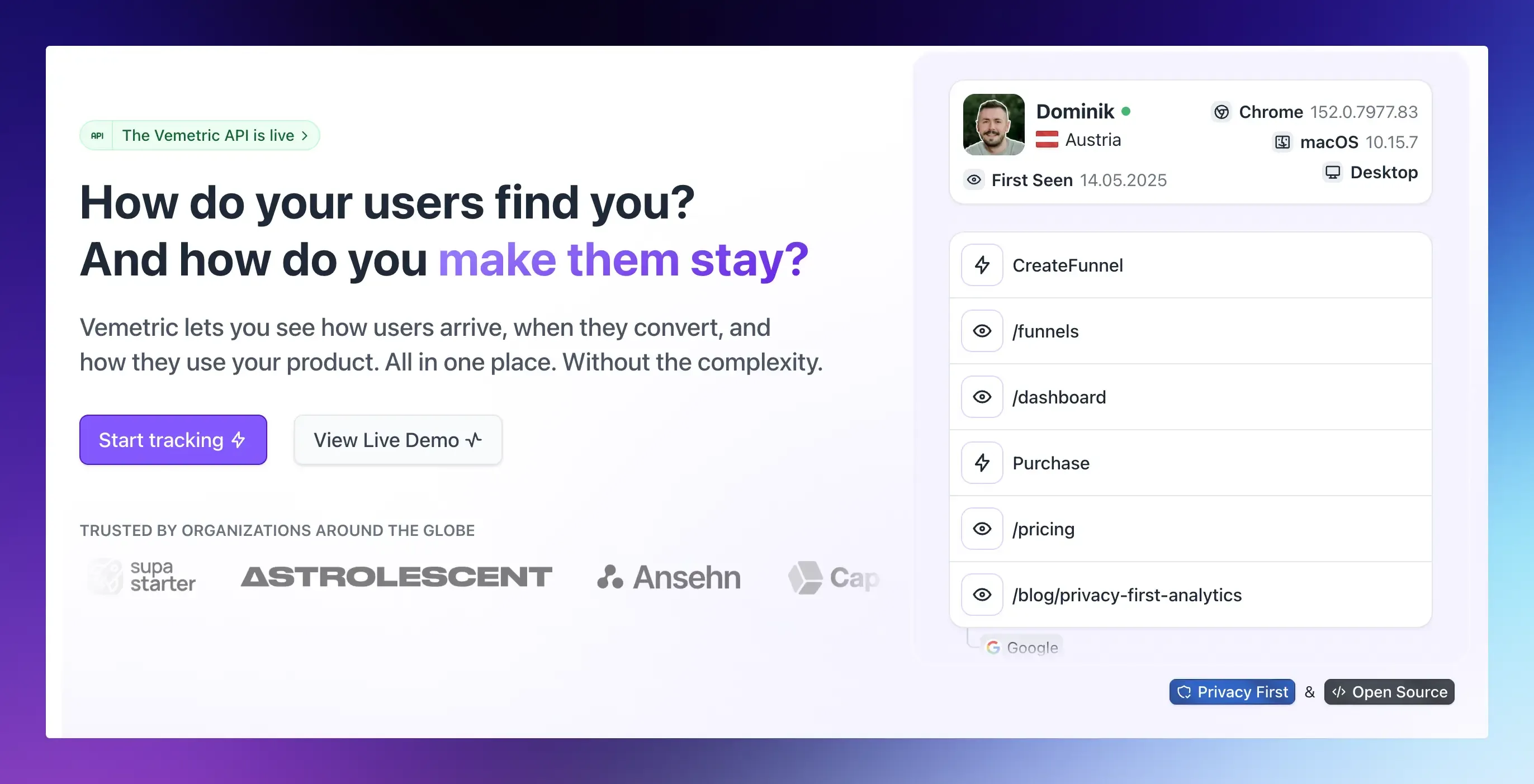
Vemetric combines web analytics and product analytics in one simple dashboard.
It is built for SaaS founders and small teams who want accurate numbers without a data engineering project, and it supports the hybrid setup above out of the box:
- Backend SDKs for Node.js (also Bun and Deno), PHP, Python, and Go, so revenue events go straight from your server. See the SDK overview.
- Frontend SDKs for a plain HTML snippet, JavaScript, React, and Astro, with page views and outbound link clicks tracked automatically.
- Ready-made proxy guides for Next.js, Vercel, Nginx and Cloudflare to serve tracking from your own domain
- Cookieless by default: returning visitors on the same day are recognized with a hash that uses a daily rotating salt, and cookies stay opt-in after consent
- EU-hosted and built for GDPR, with servers located in the EU
- User journeys and funnels that merge anonymous and logged-in activity, so you see the full path from first visit to first payment.
- Open source under AGPLv3, so you can check exactly how your data is handled
Final Thoughts
Ad blockers are not going away. With roughly 1.1 billion people already blocking, browser-only analytics will keep losing data, and the losses fall hardest on your most valuable visitors.
Server-side tracking survives because it never asks the browser for permission to report what your server already knows. Pair it with a first-party, cookieless script for page views, and your analytics will finally match your revenue.
Start small. Pick the three events closest to revenue, send them from your backend this week, and compare the numbers.
The difference will tell you exactly how much you have been missing.
FAQs
No. A proxy on a neutral subdomain gets past most filter lists, but some blockers use stricter rules. Only server-side events are fully out of reach for ad blockers.
Yes, for most websites. Server-side tracking can’t see anonymous visitors, page views, or referrers on your marketing site. Use a first-party client-side script for discovery and server-side event tracking for signups, payments, and other key actions.